
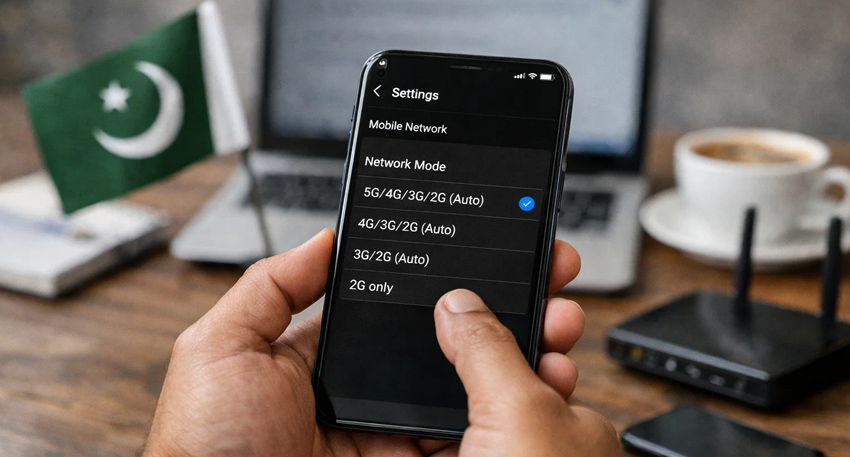
As Pakistan prepares for the rollout of 5G services in major cities around Eid ul Fitr, users are increasingly searching how to check if their phone supports 5G before upgrading to the next-generation network.
With the upcoming launch, having a compatible smartphone with the correct 5G bands is essential to access faster internet speeds and improved connectivity.
Check 5G Support in Phone Settings
The easiest way to confirm 5G compatibility is through your device settings:
- Go to Settings
- Tap Network & Internet or Connections
- Select Mobile Network
- Check Preferred Network Type
If you see options like “5G/4G/3G” or “5G Auto,” your phone supports 5G. If only 4G/LTE appears, your device is not 5G-compatible.
Verify Phone Model Online
Another reliable method is to check your phone’s specifications online:
- Go to Settings > About Phone
- Find your model name
- Search it online (e.g., Samsung Galaxy model specs)
Trusted sources like GSMArena or official brand websites can confirm if your device supports 5G and its frequency bands.
Also Read: 5G internet launch on Eid to ensure faster mobile networks in Pakistan
Use IMEI to Check Compatibility
You can also verify 5G compatibility using your IMEI number:
- Dial *#06# or check in Settings
- Enter the IMEI on a verification website
This method helps identify if your phone supports the specific 5G bands used by local carriers.
Look for the 5G Signal Icon
If you are in a 5G-enabled area, a “5G” icon may appear in your status bar. However, its absence does not always mean incompatibility—it could be due to lack of coverage or disabled settings.
Check Supported 5G Bands
Not all 5G phones work everywhere. Your device must support the frequency bands used in Pakistan. Without correct band support, 5G may not function even on a compatible phone.
Update Your Phone Software
Ensure your device is running the latest software:
- Go to Settings > Software Update
- Install updates
Some manufacturers enable 5G through software updates depending on network rollout.
As Pakistan moves closer to 5G deployment, users are advised to check their devices early to avoid connectivity issues and fully benefit from faster mobile internet.